

The IPTV player your LG TV always deserved.
The only player that brings a true TiviMate-style grid guide to LG webOS — turn any M3U or Xtream playlist into something fast and beautiful, with films, series, catch-up and reminders. And it plays your own Jellyfin or Emby library too, so live TV and your personal collection live side by side.
Then £9.99 once — 4 screens, yours for life. No subscription, ever.
Everything the other players forgot.
The dated LG IPTV apps do the basics. BeePlayer does the things you actually feel every night.
A real grid TV guide
A full TiviMate-style guide grid — now, next and a whole day ahead. Auto-loaded, with reminders and catch-up built in. No EPG URL to hunt down.
Your own media server
Run Jellyfin or Emby at home? Connect it and your own films and series appear right alongside your live TV — and where you got up to stays in sync across every TV.
Only the channels you want
Tick SD, HD or FHD to wipe out duplicate channels. Build favourites, custom groups, hide or lock channels — your line-up, your way.
One hive, every screen
Your playlists, favourites and continue-watching follow you to all 4 TVs you activate. Change it once, it’s everywhere.
Built to not freeze
When a stream stutters, BeePlayer rides it out and reconnects on its own — and when one is genuinely down, it tells you exactly why.
Films & series, organised
Posters, ratings, genres and years straight from your provider, sorted the way you like — with continue-watching to pick up where you left off.
Designed to feel at home on your TV.
A clean, fast interface built for the remote in your hand — and a TV guide LG webOS has never had before.
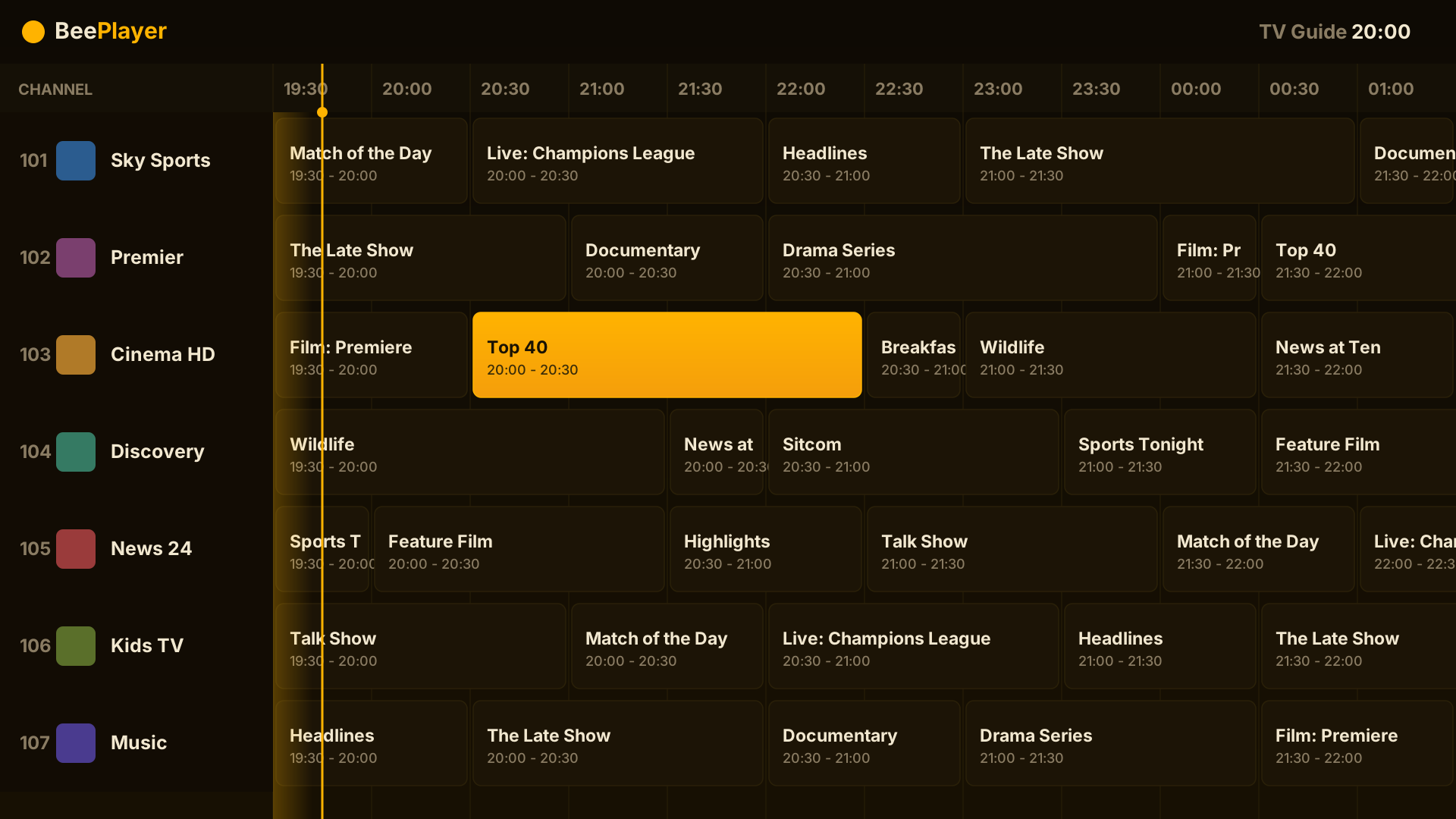
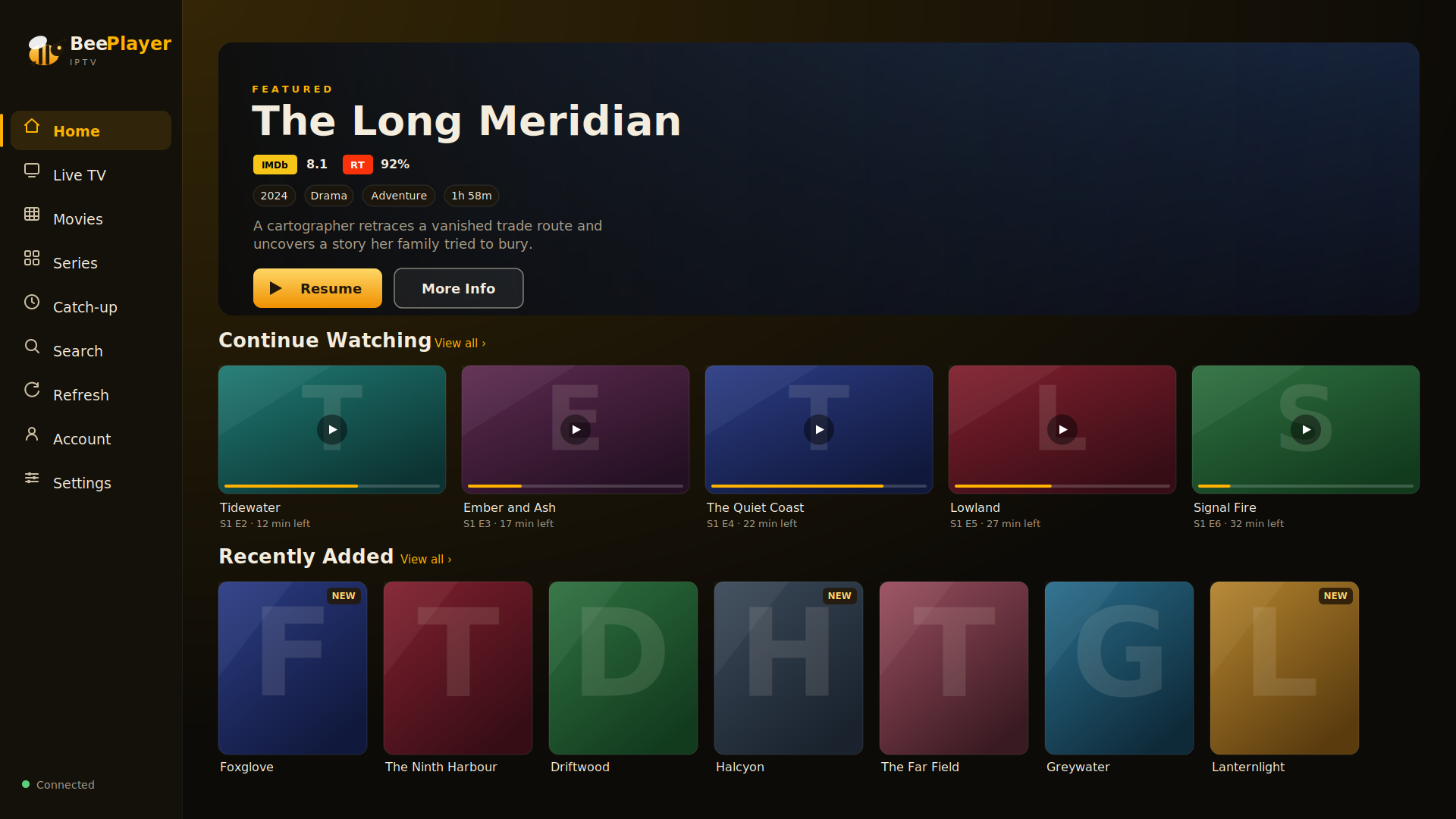
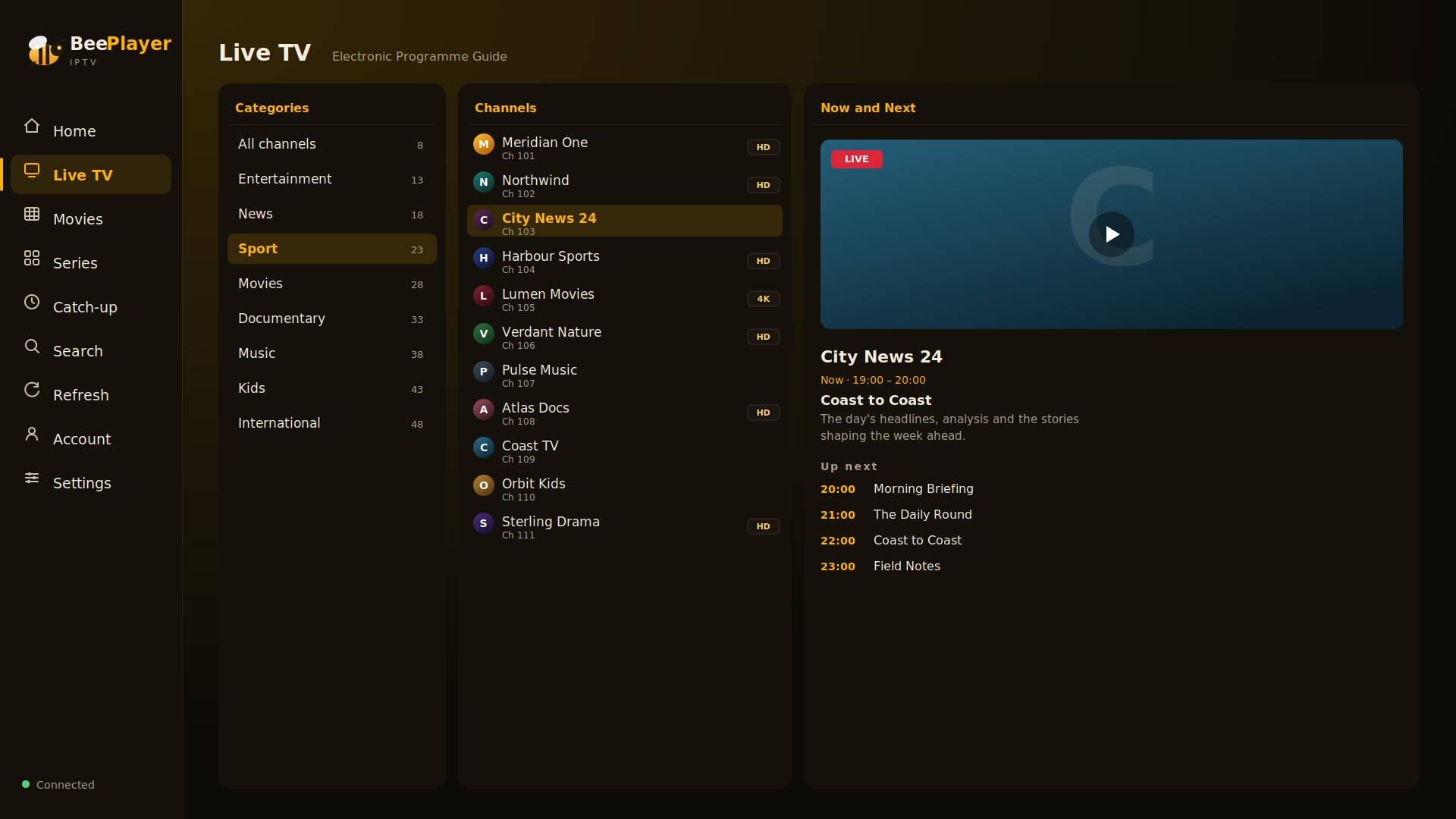
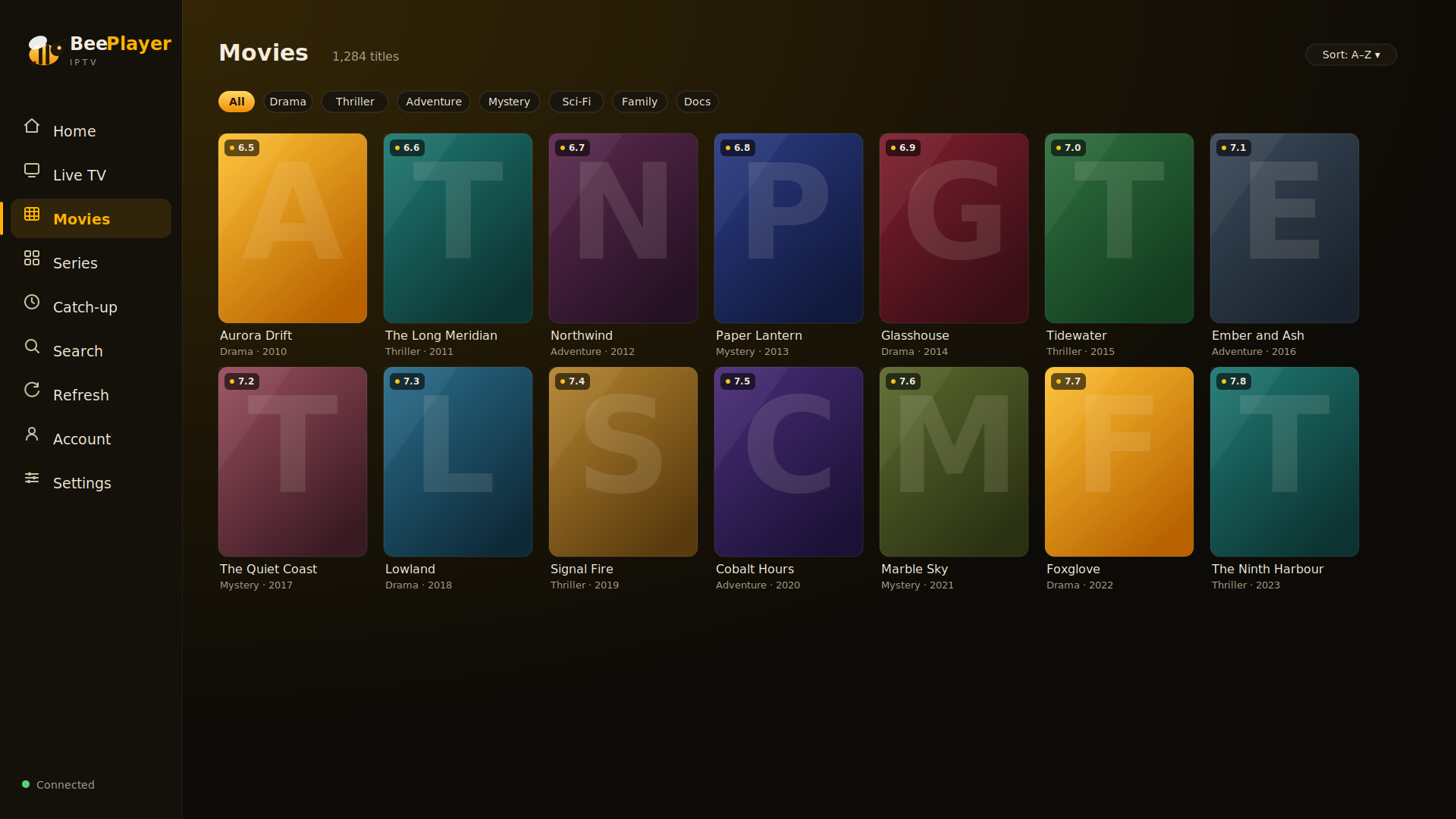
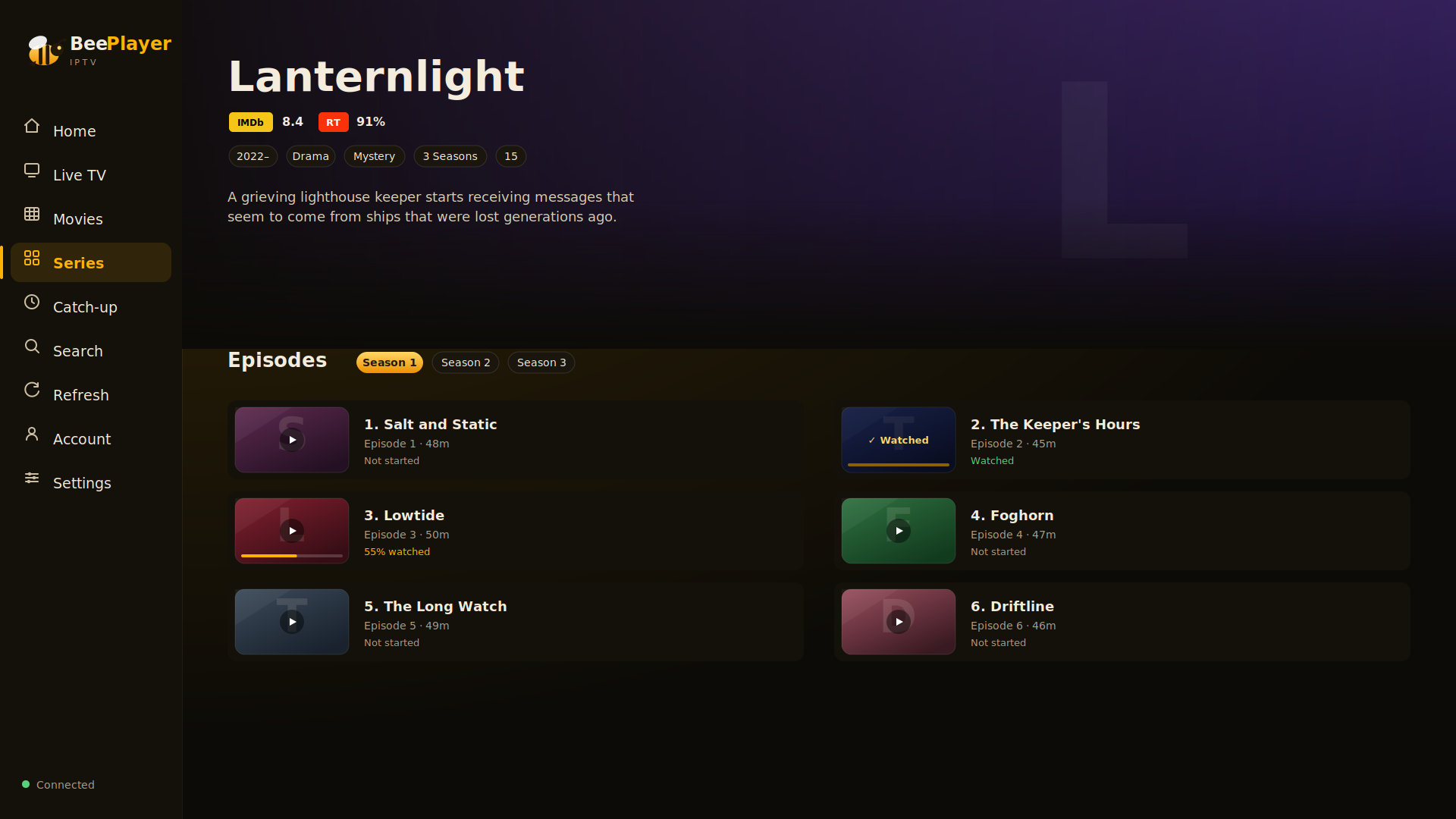
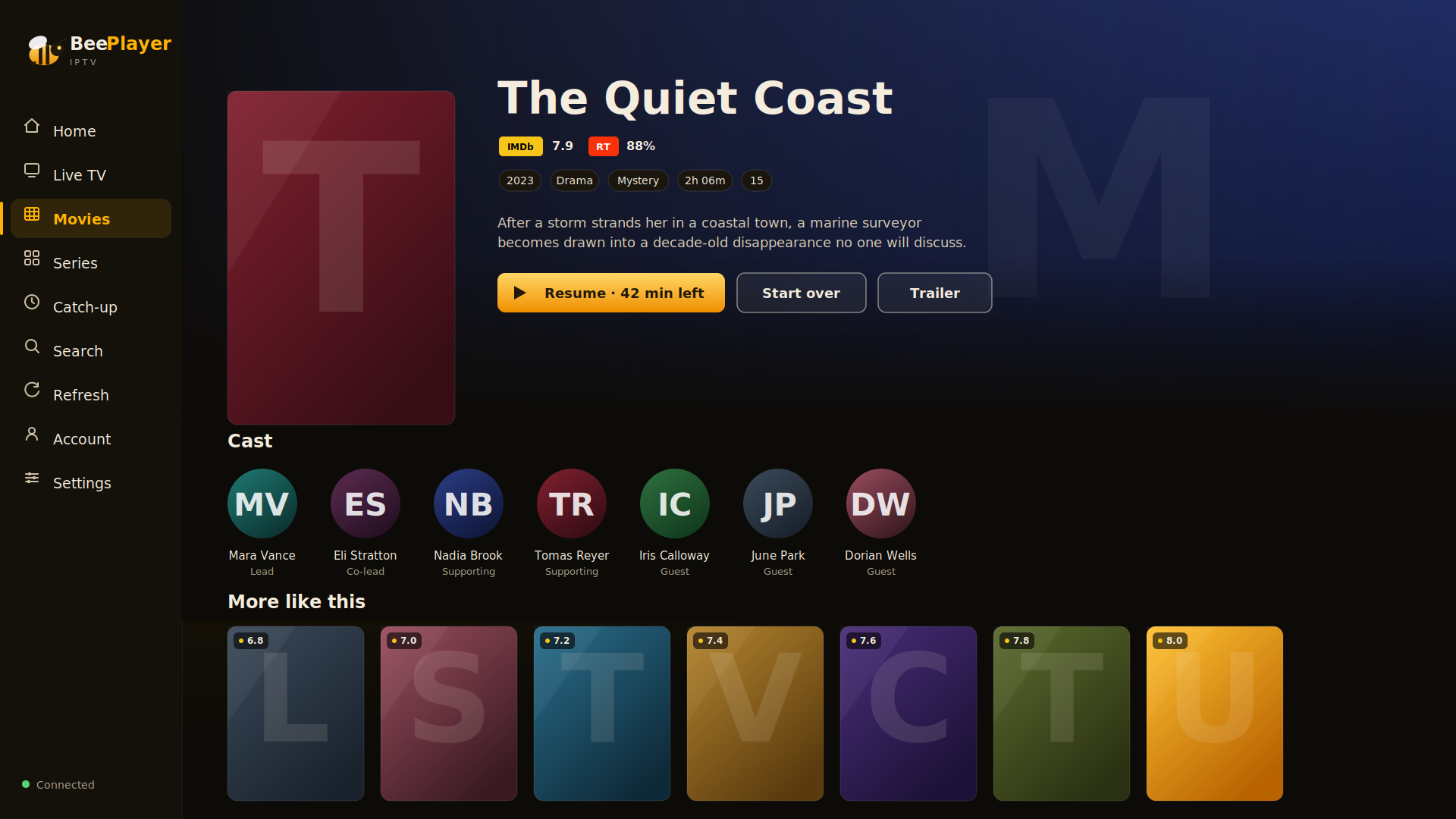
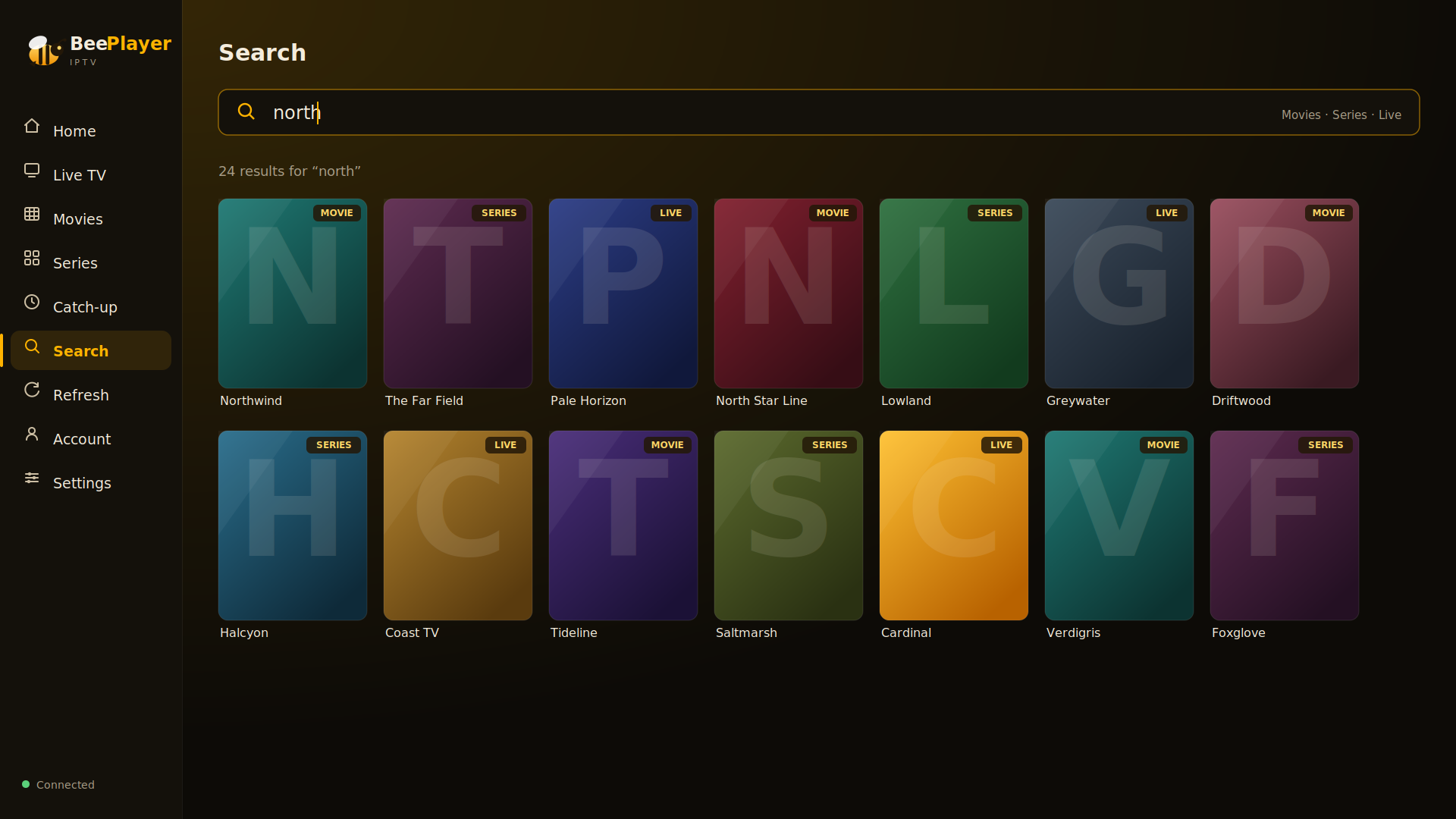
Neutral demo content shown — your channels, films and series come from your own playlist.
Three steps to a better TV.
Install on your LG TV
Add BeePlayer to your LG webOS TV, open it, and you'll see a short activation code on screen.
Add your playlist or server
Paste your M3U link or Xtream login on The Hive Dashboard and it syncs to every TV — or connect your own Jellyfin/Emby server right on the TV. That's the setup done.
Watch anywhere
Everything appears on your TV — and on every other TV you activate, perfectly in sync.
Pay once. Keep it for life.
No monthly fees, no renewals, no surprises. One payment unlocks 4 screens for life — and a 5th is just £1 whenever you need it.
Includes 4 TVs. Add a 5th for £1, any time.
- Lifetime access — one payment, no subscription
- Four screens included — activate any 4 TVs
- Plays IPTV playlists and your own Jellyfin / Emby server
- 48-hour free trial on every TV, no card needed
- Add a 5th screen for £1 — also one-off, also lifetime
- The Hive Dashboard to manage TVs & playlists
- Every future update included
No card required to try. Cancel any time — there's nothing to cancel. Not happy after buying? Email us within 14 days for a full refund, no quibble.
Questions, answered.
Is this a subscription?
No. BeePlayer is a one-off payment of £9.99 — yours for life, including future updates, and it covers 4 screens. A 5th screen is £1, also one-off, never recurring.
Do you provide the channels?
No — BeePlayer is a player, not a content provider. You bring your own M3U link or Xtream Codes login from whichever service you already use, and BeePlayer makes it look and work beautifully.
Does it work with Jellyfin or Emby?
Yes. If you run a Jellyfin or Emby server on your home network, connect it in the app and your own films and series appear right alongside your live TV. Where you got up to stays in sync across your TVs, since your server remembers your place. You switch between your IPTV service and your media server any time under Sources & Servers.
Which TVs are supported?
LG webOS smart TVs. We recommend 2018 models (webOS 4.0) and newer for the best experience — that includes every 4K and 8K LG set. The interface scales to whatever resolution your panel runs.
How many TVs can I use?
One TV is included with your licence. Add as many more as you like for £1 each — they all share the same playlists and favourites through The Hive Dashboard.
Can I try it before paying?
Yes. Every TV gets a full 48-hour free trial with no card required. If you love it, unlock it for life for £9.99 — four screens included.
Is there a parental lock?
Yes. Adult categories sit behind a PIN, and you can hide or lock individual channels — while the interface stays simple enough for anyone in the house to pick up and drive.
How do I get help?
Email help@beeplayer.buzz any time and we'll sort you out.
Give your LG TV the player it deserves.
Set it up in minutes. Try it free for 48 hours.
Start free trial